
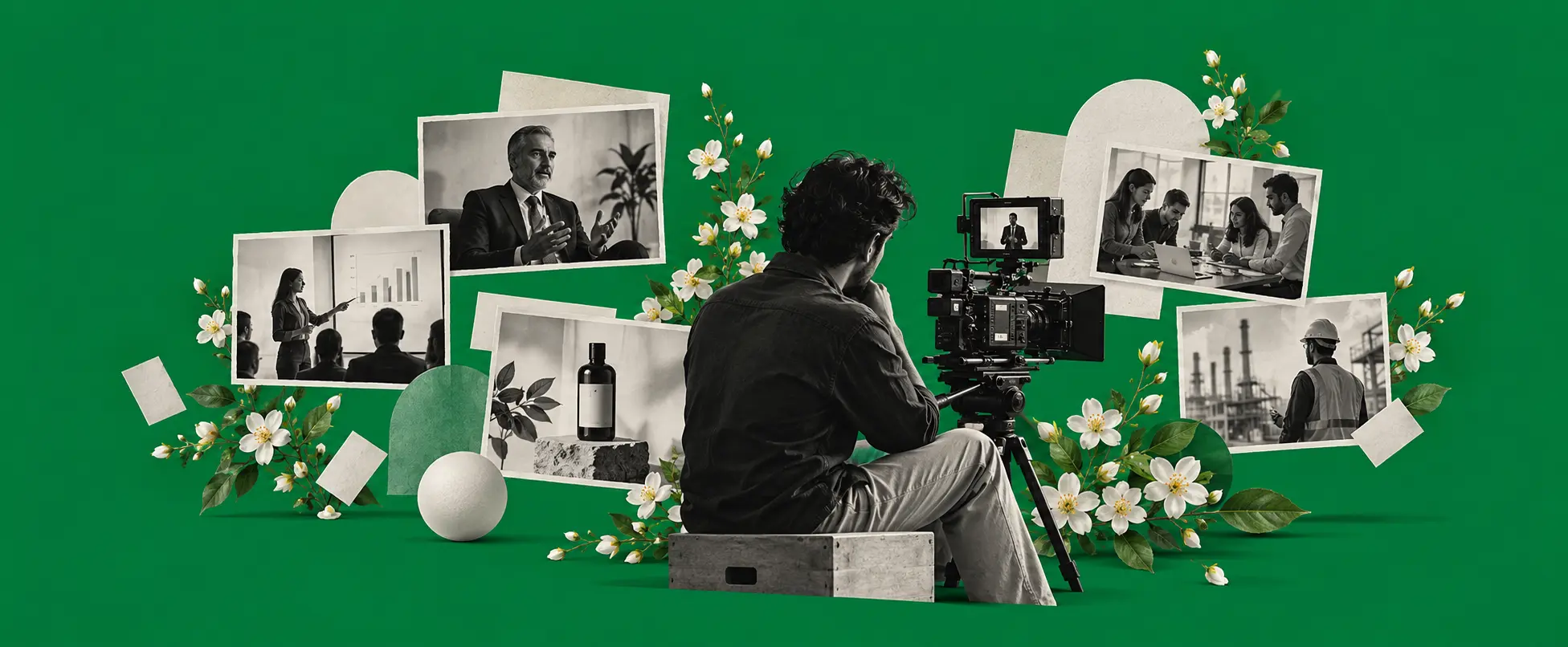
A corporate video is a short film made by a business to explain who it is, what it offers, or why someone should work with or join the organisation. Marketing managers, founders and HR heads often search for corporate video examples when they need clear models rather than abstract advice. This article walks through 12 corporate video types, each with an illustrative example concept. It then helps you choose the right type for your goal and offers practical corporate video ideas you can adapt. The guidance comes from years of working with production teams on briefs that must serve real audiences, not just look polished on a reel.
The 12 corporate video types at a glance
- Company profile: who you are and what you do
- Founder or leadership message: the face and voice of the organisation
- Product and service demo: how the offer works in practice
- Animated explainer: complex ideas made simple through motion
- Customer testimonial and case study: proof from real users
- Brand film: the feeling and values behind the name
- Training and onboarding: clear instruction for staff or partners
- Employer brand and culture: why people join and stay
- Event and conference highlights: the energy of a live gathering
- Behind-the-scenes: process, people and everyday work
- Social media cuts: short versions for feeds and stories
- CSR and sustainability: impact beyond the balance sheet
12 corporate video examples and when to use each
Company profile video
A company profile video introduces the organisation to people who may know little about it. It covers what the business does, who it serves, and why it exists, usually in a structured sequence that builds familiarity.
Example concept: A mid-sized logistics firm in Delhi NCR films its operations manager walking through a warehouse at dawn, then cuts to a short desk interview with the founder explaining the focus on reliable last-mile delivery for manufacturers. The video ends with a simple invitation to request a capability brochure.
This type works best when the audience is new to the company, such as prospective clients or partners. It is usually one to three minutes long. Keep the script tight and avoid listing every service; one clear strength is enough.
Watch an example:

Founder or leadership message
A founder or leadership message puts a senior person on camera to speak directly to viewers. It builds trust by showing the person behind the decisions and can mark a milestone, a change, or a simple statement of direction.
Example concept: The managing director of a B2B software company sits in a quiet meeting room, speaks for ninety seconds about why the firm shifted its product roadmap to serve mid-market manufacturers, and closes by inviting viewers to a short online briefing. Natural light from the window keeps the look approachable.
Use this when personal credibility matters more than polished graphics. It is often under two minutes. Record a few takes and choose the one that feels least rehearsed.
Watch an example:

Product and service demo video
A product or service demo shows the offer in action so the viewer can understand the process or result without a long sales call. It focuses on steps, outcomes and practical use rather than abstract claims.
Example concept: A packaging company films a technician setting up a new sealing machine on a factory floor, then shows the finished packs moving along a short conveyor while a voiceover explains the three main settings. A final card points to a downloadable specification sheet.
This format suits complex or technical offers where seeing the process removes doubt. Length is often two to four minutes. Film real operators whenever possible; staged actors rarely look convincing.
Watch an example:

Animated explainer video
An animated explainer video uses illustration, motion graphics or simple 2D or 3D characters to explain an idea, process or product that is hard to show with live footage alone. It is useful when the subject is abstract, internal or not yet built.
Example concept: A fintech firm creates a two-minute 2D animation that follows a small-business owner through three pain points of invoice collection, then shows how the software clears each one. The final screen offers a free trial link.
Animated explainers work well for software, services and internal systems. They are usually one to three minutes. Write the script first and lock the storyboard before any drawing begins.
Watch an example:

Customer testimonial and case study video
A customer testimonial or case study video lets a client or user describe the problem they faced and the result they achieved. It supplies social proof that a brochure cannot match.
Example concept: A facilities management company films a short interview with the operations head of a commercial complex who describes how response times improved after switching providers. Cutaways show the cleaning team at work and a simple before-and-after graphic on response metrics.
This type is strongest when the speaker is specific about outcomes rather than general praise. Keep it under three minutes. Film the client in their own workplace if access allows.
Watch an example:

Brand film
A brand film focuses on the values, personality and emotional positioning of the organisation rather than a single product. It is less about features and more about how the company wants to be felt.
Example concept: A family-owned manufacturing business films quiet sequences of artisans at work, intercut with short comments from long-serving staff about craftsmanship and reliability. The film ends without a hard sell, only the company name and a line about quality that lasts.
Brand films suit occasions when the audience already knows the category and needs a reason to prefer one name over another. They are often two to four minutes. Resist the urge to insert product shots that break the tone.
Watch an example:

Training and onboarding video
A training or onboarding video teaches a process, policy or skill to new joiners or existing staff. Clarity and repeatability matter more than production flourish.
Example concept: An HR team at a retail chain records a step-by-step guide to the new inventory app, filmed at an actual store counter with a staff member demonstrating each screen. Chapters on screen let viewers jump to the section they need.
This format is ideal for processes that change or that many people must learn the same way. Length varies; short modules of three to five minutes often work better than one long film. Test the video with a new joiner before finalising.
Watch an example:

Employer brand and culture video
An employer brand and culture video shows what it is like to work at the organisation. It supports recruitment by giving candidates a realistic sense of the environment and the people.
Example concept: A professional services firm films short day-in-the-life clips with three employees at different levels, capturing a morning stand-up, a client call, and an informal team lunch. Each person answers one question about why they stayed.
Use this when hiring is a priority and written job descriptions feel thin. It is usually two to three minutes. Authenticity beats polish; forced smiles are easy to spot.
Watch an example:

Event and conference highlights video
An event and conference highlights video captures the energy, key moments and atmosphere of a live gathering for people who could not attend or who want a record.
Example concept: After a one-day industry summit in Gurugram, the organisers edit a three-minute film that moves from registration desks to the keynote stage, short attendee reactions, and a closing networking reception. A final card points to the slide deck download.
This type works best when the event has visual variety and clear speakers. Keep it under four minutes. Plan the shot list before the event starts so the team knows which moments matter.
Watch an example:

Behind-the-scenes video
A behind-the-scenes video shows the process, the people, or the less visible work that supports the final product or service. It humanises the organisation and builds curiosity.
Example concept: A food processing company films the early-morning arrival of raw materials, the quality check station, and the packing line, with brief comments from supervisors about hygiene standards. The tone stays factual rather than promotional.
Behind-the-scenes content suits audiences who value transparency or craft. It is often one to three minutes. Film real shifts rather than a staged version of the day.
Watch an example:

Social media cuts
Social media cuts are short versions or standalone clips designed for feeds, stories and short-form platforms. They are often extracted from longer films or planned as a series of related posts.
Example concept: From a longer company profile, the team creates five 20-to-30-second cuts: one focused on the warehouse, one on the founder’s line about reliability, and three customer quotes. Each ends with the same simple call to action.
These work when the goal is reach and frequency rather than a single complete story. Keep individual cuts under a minute. Plan the longer shoot with vertical and square framing in mind from the start.
Watch an example:

CSR and sustainability video
A CSR and sustainability video reports on the organisation’s social or environmental work. It shows action and impact rather than intentions alone.
Example concept: A manufacturing firm films a short piece on its water-recycling system at a plant outside Delhi NCR, with the plant manager explaining the daily volume treated and a local community member describing the nearby pond that no longer receives untreated discharge.
This type is useful when stakeholders, clients or regulators expect evidence of responsibility. Keep it factual and usually under three minutes. Avoid vague claims; specific actions are stronger.
Watch an example:

How to choose the right type of corporate video
Start with the single job the video must do, then match the type to that job.
| Your goal | Start with |
|---|---|
| Explain who you are to new clients | Company profile video |
| Build personal trust with a senior voice | Founder or leadership message |
| Show how a product or service works | Product and service demo video |
| Simplify a complex or abstract idea | Animated explainer video |
| Prove results through a real user | Customer testimonial and case study video |
| Express values and emotional positioning | Brand film |
| Train staff or partners on a process | Training and onboarding video |
| Attract better candidates | Employer brand and culture video |
| Share the energy of a live event | Event and conference highlights video |
| Humanise the organisation | Behind-the-scenes video |
| Reach people on social platforms | Social media cuts |
| Report social or environmental work | CSR and sustainability video |
Decide first who will watch and where they will watch. A video meant for a website homepage behaves differently from one meant for a WhatsApp forward or a recruitment portal. Then decide the one action you want the viewer to take after watching: request a call, download a sheet, apply for a role, or simply remember the name.
Most teams that work with a corporate video production company find the brief becomes clearer once those two decisions are written down.
Corporate video ideas you can use on any budget
Here are practical corporate video ideas, business video ideas and company video ideas that do not require a large production.
- A short “meet the team” series in which each person answers one question about their role, filmed at their desk.
- A customer question-and-answer where a sales lead responds to three common objections on camera.
- A process walkthrough of how a product moves from order to dispatch, filmed on a normal working day.
- An office or factory tour guided by a familiar staff member, ending with a clear next step for viewers.
- A monthly leadership update recorded in the same simple setup so it becomes a recognisable rhythm.
- An FAQ video that answers the five questions that slow down sales conversations.
- A before-and-after style clip showing a workspace or process improvement.
- A one-minute culture moment filmed at a team gathering or recognition event.
One well-planned shoot can often supply material for several of these. A video editing and post-production pass can turn a longer capture into a set of shorter, focused cuts for different channels.
Common mistakes in corporate video
No clear audience
If the video tries to speak to clients, candidates and investors at once, it usually speaks to none of them well. Decide the primary viewer before writing a word of the script.
Trying to say everything in one video
A single film that lists every service, value and achievement becomes hard to follow. Pick one main message and let secondary points wait for other pieces.
Weak audio
Viewers forgive average pictures more readily than they forgive muffled or noisy sound. Use a proper microphone and record in a quiet space whenever possible.
No call to action
Even a soft close such as “request the full brochure” or “speak to the team” gives the viewer a next step. Leaving them with nothing reduces the value of the watch time.
No plan for where the video will be used
A film made only for the website homepage may not work in a presentation or on social platforms. Decide the primary placements early so framing, length and captions can match them.
What affects the cost of a corporate video
Cost depends on the scope of the work rather than a fixed package. The main factors that shape a quote are:
- Length of the finished film
- Number of locations and shoot days
- How many people appear on camera and whether they need coaching
- Whether animation, motion graphics or CGI are required
- Voiceover, music and any additional language versions
- Number of final versions and output formats needed
Every project is quoted individually in writing after the brief is clear. If you would like a written estimate, get in touch.
Frequently asked questions
What are the main types of corporate video?
The main corporate video types include company profiles, leadership messages, product demos, animated explainers, testimonials, brand films, training films, employer brand pieces, event highlights, behind-the-scenes clips, social media cuts and CSR films. Each serves a different communication job.
How long should a corporate video be?
Most corporate videos work best between one and four minutes. Shorter cuts suit social platforms. Longer pieces can work for training or detailed demos if the structure stays clear and chapters are provided where useful.
What is the difference between a corporate video and a corporate film?
The terms are often used interchangeably. In practice, “corporate video” usually refers to functional pieces such as profiles or demos, while “corporate film” sometimes implies a more brand-oriented or narrative approach. The distinction is not strict.
Which corporate video type is best for a small business?
A short company profile or a simple product demo is often the most useful starting point for a small business. Both establish basic credibility without requiring large crews or complex animation.
How do I plan a corporate video?
Begin with the audience, the one job the video must do, and the place it will be shown. Write a short brief that covers those points, then develop a script or outline. Approve the script before any filming starts.
Can I use one shoot for several videos?
Yes. A single well-planned shoot can supply material for a main film plus shorter social cuts, testimonials or process clips. Planning the extra uses before the shoot day makes the most of the time on location.
Do you make corporate videos in Delhi NCR?
Yes. Mogra Media produces corporate videos across Delhi NCR, including Delhi, Gurugram, Noida, Greater Noida, Ghaziabad and Faridabad. The office is in Gurugram and clients are welcome to visit. Projects elsewhere in India are taken on request. Learn more about corporate video production.
Choosing your first corporate video
Pick the one job the video must do and match the type to that job. A clear brief that names the audience, the message and the desired next step will do more for the final film than any amount of production polish applied later.
When you are ready, share the project outline for a written estimate. You can also review recent work in the portfolio.